Last updated on July 13th, 2025 at 07:08 pm
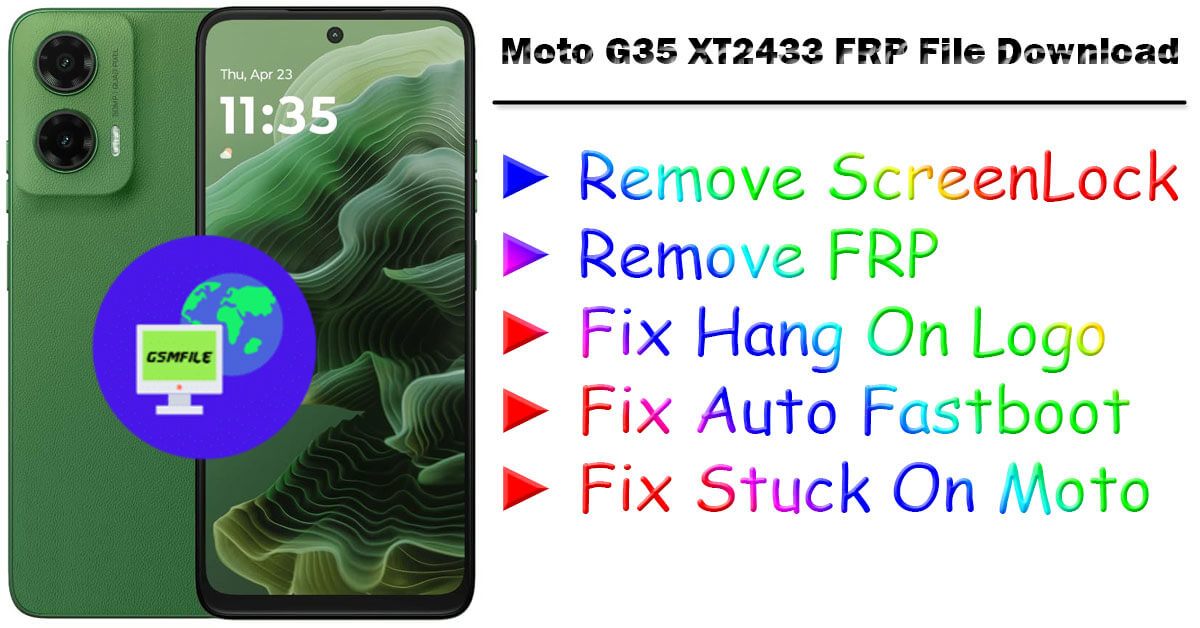
Moto G35 5G XT2433 FRP File Download
The FRP Moto G35 XT2433 FrpFile is a requirement for the FRP removal of the Moto G35 5G smartphone. In the event of a forgotten Google account password, FRP lock will make the phone useless. In this article, we are going to let you know about what an FRP file is, why you need to use it, and how to use the Moto G35 XT2433 FrpFile to unlock your Moto G35 5G.
What Is an FRPFile?
A file FRP is a special firmware file that bypasses the Factory Reset Protection (FRP) lock of an Android. It is mainly used in phone repair and software debugging whenever one loses control of his or her device after resetting.
Why Do I Need an FrpFile?
Forgot Google Account Password: You’ve reset your phone but lost the pre-installed Google account and FRP will block you.
Purchase a Second Hand Phone: If the initial owner hadn’t removed the Google account, the phone will be FRP locked.
Phone Repair & Software Issue: When the phone receives some software problems after resetting, an FRP file may be utilized in bypassing the lock.
For Moto G35 5G (XT2433)
Moto G35 5G XT2433 is a budget phone with premium features, offering smooth performance, excellent camera performance, and 5G connectivity. The most standout features are the following:
- Display: 6.72 inches, 109.0 cm2 with a 120Hz refresh rate
- Processor: Unisoc T760 (6 nm)
- RAM & Storage: 128GB 4GB RAM, 128GB 8GB RAM, 256GB 4GB RAM, 256GB 8GB RAM
- Camera: Dual-camera module with 50MP
- Battery: 5000mAh with 15W fast charging support
- Operating System: Android 14
- Connectivity: 5G, Bluetooth, WiFi, USB Type-C
This is ideal for budget users who want a buttery 5G performance without breaking the bank.
How to Use the Moto G35 XT2433 FRP File to Unlock Your Device
Requirements:
Before you install the Moto G35 XT2433 FRP file, you should ensure that you have:
- Windows PC
- USB cable
- Moto G35 XT2433 FRP File
- SP Flash Tool or Motorola FRP tool
- Moto USB drivers installed
Read More :- Nothing CMF2 Pro Flash File Download
Moto G35 5G XT2433 FRP File Download
File Is Paid
File Name :- Motorola G35 XT2433 Android 14 UOA34.216-129-11
How TO Flash THis File:-
- Open Zip Using 7z Or Winrar
- Open SPD FLash TOol ANd Load THis File
- Select Persist and Start Flash
- Connect Your phone with Vol + And –
- When Show Success THen Power on and check device
Contact Admin For Service
Whatsapp :- 917580999404
Telegram :- t.me/Gsm_NwaaB
Join On Telegram :- Click Here