Last updated on July 14th, 2025 at 06:58 am
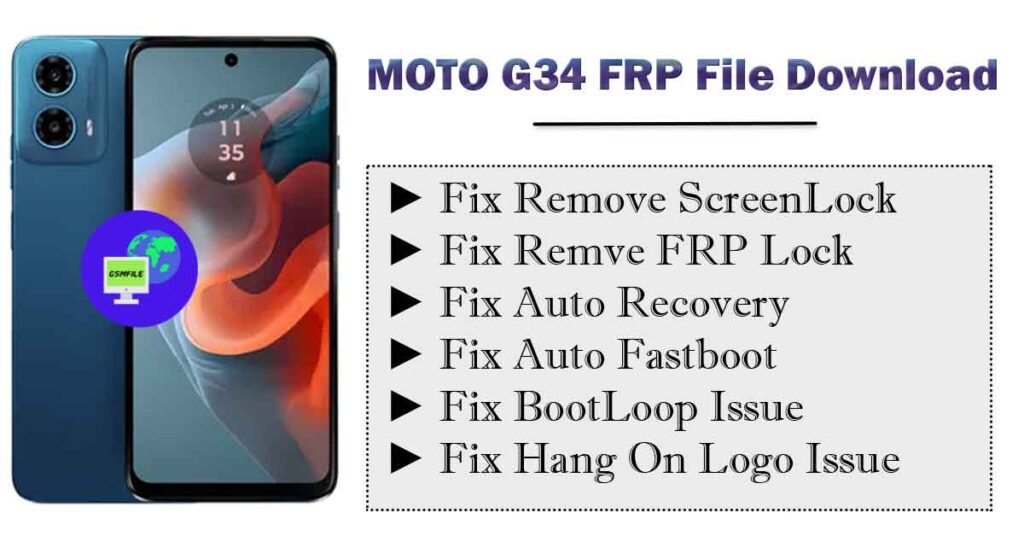
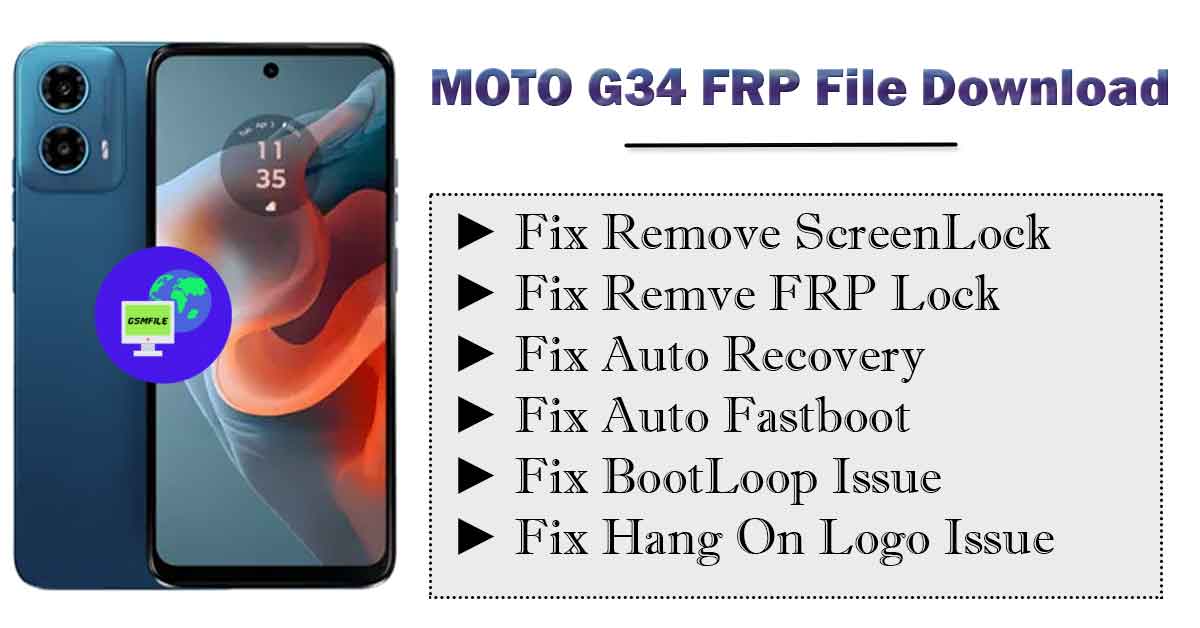
Introduction to Moto G34 XT2363 FrpFile
Before Dive on Main Topic Moto G34 XT2363-5 FrpFile Let’s Some Talk For Smart Phone Flash Files, Also Known As Firmware Or Rom ( Read-Only Memory ), Are The Operating System And Software Packages That Control The Functioning Of A Smart Phone. They Contain The Necessary Instruction And Data Required To Boot Up The Devices And Operate its Various Functions.
What is Flashing?
Before We Deleve Info The Flashing Process, let’s Understand What Flashing Actually Mean, Flashing Is The Process Of Re-installing or Updating A Smartphone’s Operating System [os] Or Firmware. it’s akin to giving Your Device A Frash Start, Resolving Software Glitches, and Optimizing Performance
𝗜𝗺𝗽𝗼𝗿𝘁𝗮𝗻𝗰𝗲 𝗼𝗳 𝗦𝗺𝗮𝗿𝘁 𝗣𝗵𝗼𝗻𝗲 𝗙𝗹𝗮𝘀𝗵 𝗙𝗶𝗹𝗲𝘀
SmartPhone Flash Files Are Crucial for maintaining The stability And Performance Of a device. The Allow Manufacturers To Push Software Update, security patches, and bug fixes To Users, Addressing Issue And enhancing the user experience. Flashing A Phone With The Letest Firmware can often resolve software- related Problems and improve overall Performance.
Types of Smart Phone Flash Files
There are two main type of smartphone flash File: Stock ROMs and Custom ROMs. Stock ROMs Are The Official Firmware Provided By The Device Manufacturer, while Custom ROMs are Developed By Third-Party Developers And Offer Additinal Features And Customization Options.
Specification :-
- Network :- GSM / LTE / 5G
- Release :- December 2023
- Display :- 720 x 1600 pixels
- Chipset / OS :- Android 15, Qualcomm SMSM6375 Snapdragon 695
- Capacity :- 64GB 4GB RAM, 128GB 4GB RAM, 128GB 8GB RAM, 256GB 8GB RAM
- Camera :- Back 50MP || Front 16 MP
- Battry :- 5000 mAh
W̼h̼a̼t̼ K̼i̼n̼d̼ O̼f̼ I̼s̼s̼u̼e̼ F̼i̼x̼ w̼i̼t̼h̼ T̼h̼i̼s̼ F̼i̼l̼e̼?̼
➤ Flash Your Phone ➤ Remove FRP From Your Phone ➤ Forget ScreenLock ➤ Update Your Phone ➤ Downgrade Your Phone ➤ Fix Hang On Logo Issue ➤ Fix Bootloop Issue ➤ Dm-Verify Fix ➤ Red/Orange State After Flash
Contact Zip Unlock Or Service
Read More :- Moto G45 FRP File Download
 WhatsApp Group
 Join Group
  Telegram Group
 Join Group WhatsApp Support Live Chat
 How To Flash Moto G45
- Open File Using 7z Or Winrar.
- Download And Install Driver.
- Open flashall.bat
- Press Vol – and Connect Phone fastboot mode.
- After Done Remove cable and check.