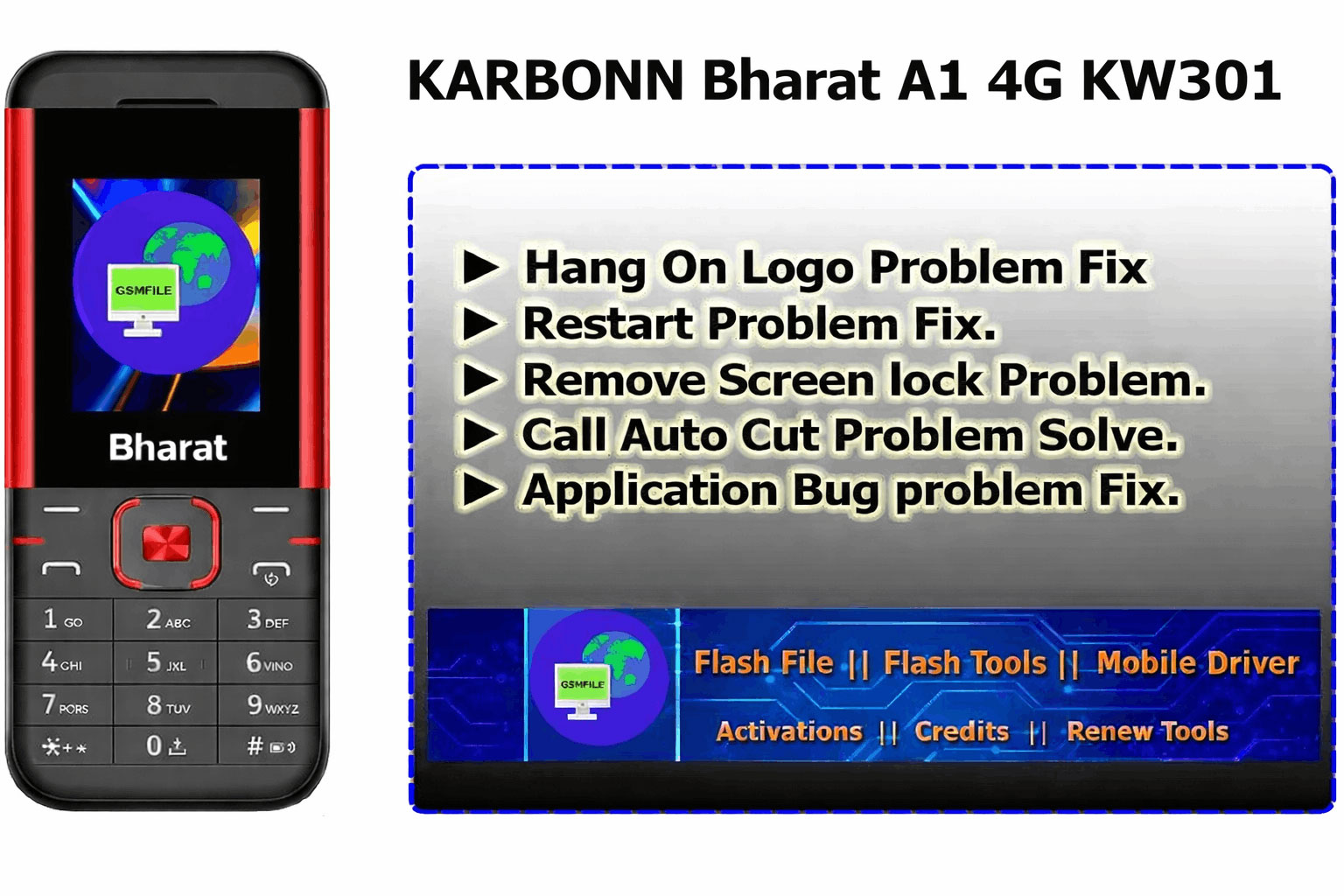
In This Post I’ll give you info About Karbonn KW103 in other Words Karbonn Bharat A1 4G. This is a SmartTablet Have So much Feature Like Watching T.V, Browsing Internet, Play Games, Ans Much more Options. People Also enjoying 4G Internet for YouTube. This Model Is newest Model From Karbonn Team.
About Karbonn Bharat A1 4G KW103 Flash File
To make a phone work with full function, some files are inserted into it, those files are called flash files.For example, if you want to call someone, then after clicking on the functions shown on the screen in front of you, that work gets done, this is possible only through this file.
Why Need Karbonn KW103 Flash File
Sometimes we need to make some changes to our phone, like installing a custom ROM. Using the phone’s internal storage Sometimes it happens that we need to make some changes in our phone, like installing custom ROM in the phone, using the internal storage of the phone .Etc. While doing this work, even a small mistake can prove costly, such as the phone getting switched off, the phone not turning on completely, And because we cannot boot it in this situation, we need this file. So that it can be repaired without any hassle.
Flash File Feature/Benifits
- Hang On Logo Problem Fix ( First Check Hardware ).
- Restart Problem Fix.
- Remove Screen lock Problem.
- Call Auto Cut Problem Solve.
- Application Bug problem Fix.
Karbonn KW103 Specifications :-
Network :- 4GVoLTE
Resolution :- 240 x 320 pixels.
Chipset :- N/A
USB Connection :- Mini USB Port
Battry :- 2000 mAh
Note :- Source is Web
Karbonn KW103 Flash File Info
- Name :- Karbonn_KW301_000_02_30_070325_GsmFile.in.
- Size :- 26.13MB.
- Format :- .ZIP
- Status :- Free [ Password – 31511388544#@ ]
How To Use Karbonn Bharat A1 KW301 Flash File
➡ First You Need To Download Flash File
➡ After Download Done Just Contact Us For Service
➡ Charges N/A₹ For Servicy ( if You Need )
➡ After Zip Unlock Just Open Flash Tool And Load File
➡ Make Sure Drivers Properly Installed And Connect Device With Test Point Key
File Password :- File Password [ 31511388544#@ ] WhatsApp Group
 Join Group
  Telegram Group
 Join Group WhatsApp Support Live Chat
 Read More :- Jio Phone Files Collection Here
Before performing any flashing process on your phone, you should collect all the information before doing it.This is an educational post, do not use it for any wrong purpose.