Last updated on January 21st, 2026 at 01:38 pm
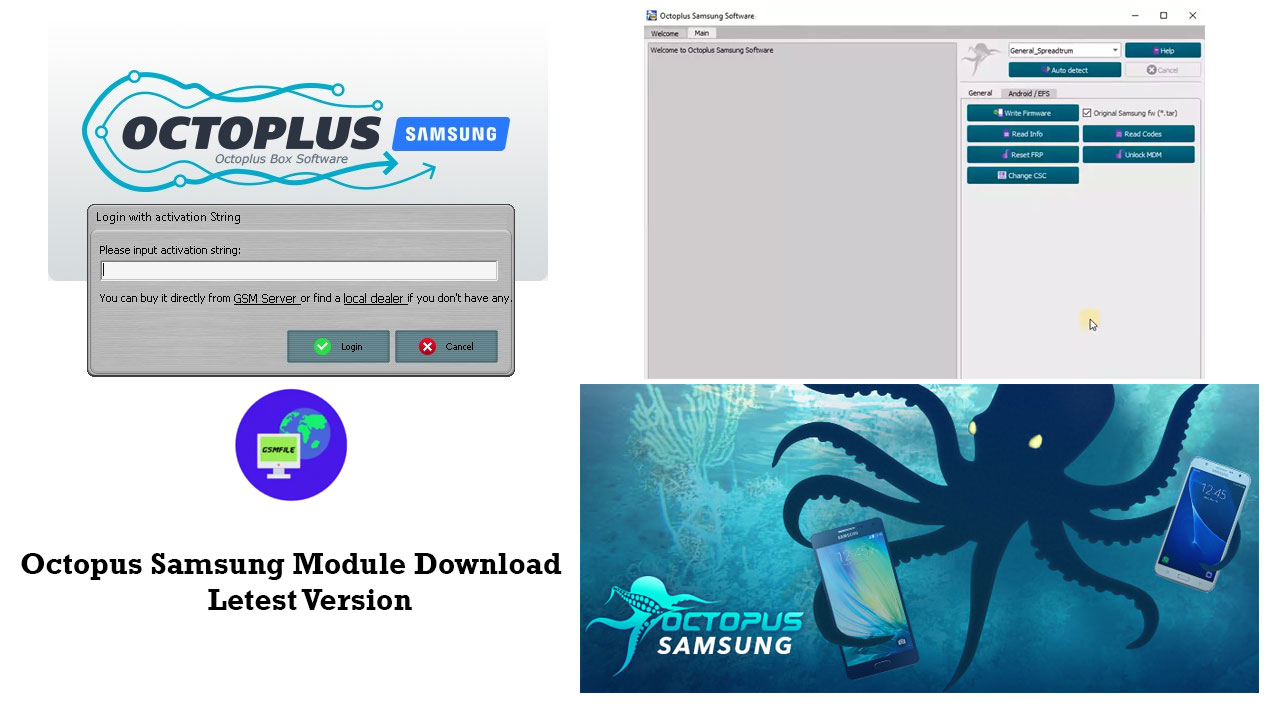
In This Port i’ll give you info about octopus Tool. This is one of the best Tool For Unlocking, Repair, Flashing and much More Options. Diffrent Module Available like : Octopus samsung tool, Huawei Module, LG .etc. i recommend if you want By Octopus Product First Visit Official Website OF Octopus
What Is Octopus Tool
Octopus Tool is One of The Best Tool Developed by octopus team. octoplus box is a subscription based tool that mean you need activation for use this Tool Available Offers Like 12 Month Or 3 Month. Some Module take Early Activation. You Can Contact Us For Tool Activation Or Knowledge About Octopus Tool
Added Tool Features
Repair Boot with factory files for devices based on such CPUs as Exynos/MTK/Qualcomm
Note: To perform this operation, open ‘Repair’ tab
loaders for next Samsung Devices based on MTK CPU via Brom mode:
- A06 (SM-A065F)
- A07 (SM-A075F)
- A07 (SM-A075M)
Updated loaders for next Samsung Devices based on Qualcomm CPU via EDL Mode:
- A05s (SM-A057F) (Bit A)
- A05s (SM-A057M) (Bit A)
- A23 (SM-A235F) (Bit B)
- A23 (SM-A235N) (Bit A)
- A23 5G (SM-A236E) (Bit B)
- A23 5G (SM-A236U) (Bit B)
- A23 5G (SM-A236V) (Bit A)
- Z Flip 3 5G (SM-F7110) (Bit E)
- Z Flip 3 5G (SM-F711B) (Bit F)
- Z Flip 3 5G (SM-F711N) (Bit B)
- Z Flip 3 5G (SM-F711U) (Bit E)
- Z Fold 3 5G (SM-F9260) (Bit D)
- Z Fold 3 5G (SM-F926B) (Bit E)
- Z Fold 3 5G (SM-F926U) (Bit D)
- S20 FE (SM-G780G) (Bit G)
- S20 Lite 5G (SM-G781B) (Bit H)
- S20 Lite 5G (SM-G781N) (Bit C)
- S20 Lite 5G (SM-G781U) (Bit M)
- S20 Lite 5G (SM-G781V) (Bit K)
- S21 FE 5G (SM-G9900) (Bit F)
- S21 FE 5G (SM-G990B2) (Bit F)
- S21 FE 5G (SM-G990U2) (Bit G)
- S21 5G (SM-G991U) (Bit H)
- S21 Plus 5G (SM-G996U) (Bit H)
- S21 Ultra 5G (SM-G998U) (Bit H)
- M14 (SM-M145F) (Bit 8)
- M23 5G (SM-M236L) (Bit B)
- Note 20 5G (SM-N981N) (Bit A)
- Note 20 5G (SM-N981U) (Bit E)
- Note 20 5G (SM-N9860) (Bit E)
- Note 20 Ultra 5G (SM-N986N) (Bit A)
- Note 20 Ultra 5G (SM-N986U) (Bit E)
- M23 5G (SM-S236DL) (Bit D)
- A23 5G (SM-S237VL) (Bit C)
- S23 FE 5G (SM-S7110) (Bit 6)
- S24 Ultra (SM-S928Q) (Bit 1)
How To Use Octopus Samsung Tool
- First You Need To Download Setup
- After Installation Done for Open This Tool You Need Dongle / Box / Activation String.
- Now After Open This Tool You Can Choose Your Device Model And Job Catagory
- You Can Unlock SimLock, Flashing, Repair, Remove FRP And Much More Options.
- You Need Device Driver You Can Download From Here.
Contact Us For Activation Renew Or Any Kind Of Help
 WhatsApp Group
 Join Group
  Telegram Group
 Join Group WhatsApp Support Live Chat
 Octopus Samsung Tool Is A professional Tool. Don’t Use This tool For illegal Intention. If you Are a shopkeeper or Authorised Mobile Technician you Can Consider it