
Last updated on June 23rd, 2025 at 06:05 pm
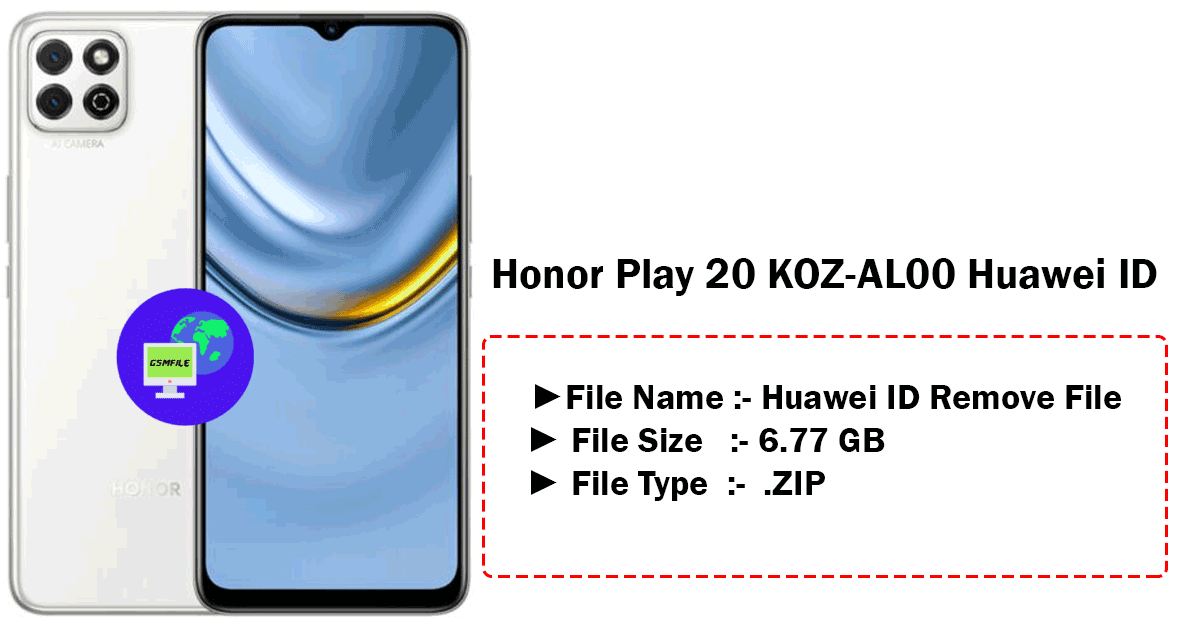
KOZ-AL00 Huawei ID
About :-
- KOZ-AL00 Huawei ID The Unisoc T610 (12 nm) chipset powers the Honor Play 20 KOZ-AL00, an octa-core processor with a core performance of 2×1.8 GHz Cortex-A75 & 6×1.8 GHz Cortex-A55. The processor is also compatible with the Mali-G52 MP2, so the processor can handle browsing, media.
- The best part is that it is available in a variety of configurations, including 64GB 4GB RAM, 128GB 4GB RAM, 128GB 6GB RAM, 128GB 8GB RAM of internal storage. Users can take advantage of this feature by adding a microSD card to their device.
- Users who know that they will need more space for applications and data in the future will appreciate this. Another important benefit of this extension is that users can use both internal and external storage, allowing direct access to data without having to process it. . Android 8.0 Oreo is popular today and Honor Play20 also runs on this version Magic UI 4.0, no Google Play Services with different operating software.
- EMUI’s software add-ons that come with the phone, the main engine, navigation control and various accessories, provide a good user experience. EMUI can add some weight to the device when it works well and the phone can feel heavy because it comes preloaded with many applications, some of which may seem strange because they are just a sample of the first Android application. The software may be slow, but the processor is slow.
About Flash File :-
A flash file, which is also known as firmware or ROM (Read-Only Memory), is regarded as the software that actually controls and arranges a phone, a tablet or some other electronic devices. Its software includes different essential subsystems to allow the device to function correctly like the operating system (OS), system files, and other components.
Reasons for a Flash
The flash file is mainly used to govern the device’s hardware, such as the processor, memory, camera, and other parts. It is also a medium for users to interact with the device. The flash file having all the system files, drivers, and settings is necessary for the device to boot up and run applications.
File IS Premium Paid
- Open Zip File Using 7z Or winrar
- Open Your File And Read .txt File.
- Follow Process CareFully.
- Check Your Port Is Properly Working
- Then Start Flash
- When Done Then Check
Contact Admin For Any Issue
Whatsapp :- 917580999404
Telegram :- t.me/Gsm_NwaaB





 chipset powers the Honor Play 20 KOZ-AL00. Paid File And Service Contact Us)